
 Cart is empty
Riona Full Zip Jacket
$60.00
Summer Sunglass
$15.00Steps to Set Up the Display Offer
To set up the Display Offer in your store:
✅ Step 1: Go to GiftiT → Display Offer
From your WordPress Dashboard, navigate to the GiftiT menu and open the Display Offer tab.

✅ Step 2: Click "Add Offer"
This opens the offer rule builder.
✅ Step 3: Select a position to display the Message
Choose the positions where you want the offer message to appear on the product page:
- Select WooCommerce before single product
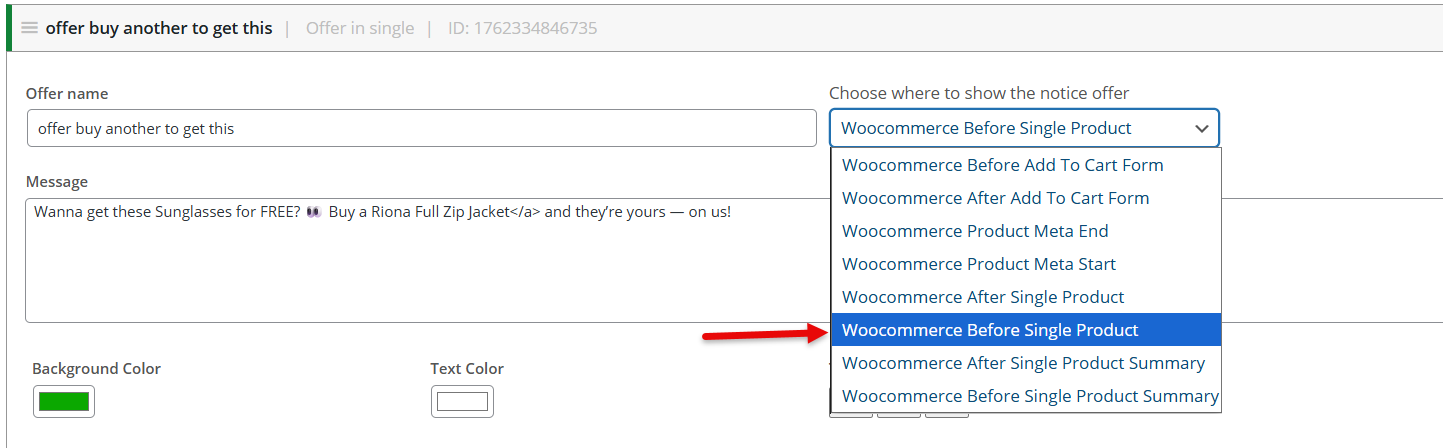
✅ Step 4: Message and Styling
- Message: Write the offer text, e.g., “Wanna get these Sunglasses for FREE? 👀 Buy a Riona Full Zip Jacket and they’re yours — on us!”
- Background Color: Choose a color to highlight the message.
- Text Color: Select a readable color for the text.
- Text Align: Align the text (left, center, right) as preferred.

✅ Step 5: Display For
Select the product for which you want the offer message should appear
- Products:
Select Summer Sunglass (or any product you want to apply this offer to)

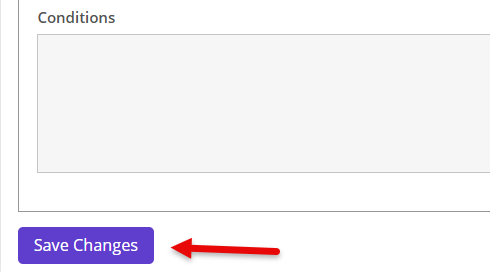
✅ Step 6: Save the Rule
Click Save to activate your offer message!
🛠️ If customers add Summer Sunglass to their cart, an offer message will appear
How to Create This Rule in Admin
To set up the Buy X Get Y free gift rule in your store:
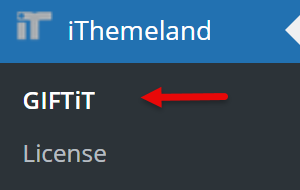
✅ Step 1: Go to GiftiT→ Rules
From your WordPress Dashboard, navigate to the GiftiT menu and open the Rules tab.
✅ Step 2: Click "Add Rule"
This opens the rule builder.
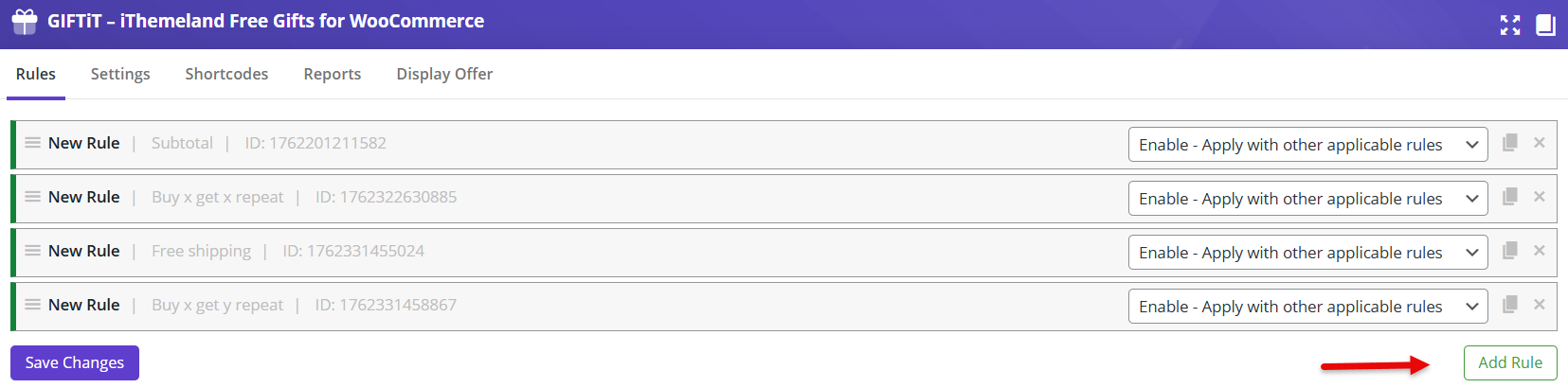
✅ Step 3: Choose Method → Buy X Get Y
This is the most important step — selecting Buy X Get X as the method updates the rule form to fit this type of offer.
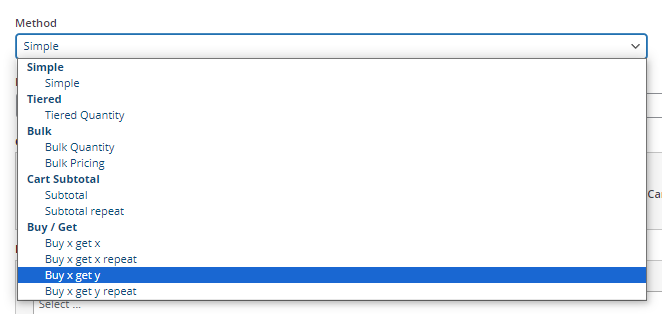
✅ Step 4: Set the Rule Details
Quantities & Settings:
Buy = 1
Get = 1
Enable Auto Add Gift to Cart (optional)

- Product – Buy:
Select Riona Full Zip Jacket (or any product you want to apply this rule to)

- Product – Get:
Select Summer Sunglass (or any product you want to apply this rule to)

✅ Step 5: Save the Rule
Click Save to activate your Buy X Get Y offer!

🛠️ If customers add the Riona Full Zip Jacket to their cart, 1 Summer Sungalss will be automatically added as a free gift in their cart.